Setting Up Permissions
To ensure Handyruhe works correctly, you'll need to grant certain permissions. Follow these simple steps to configure your device.
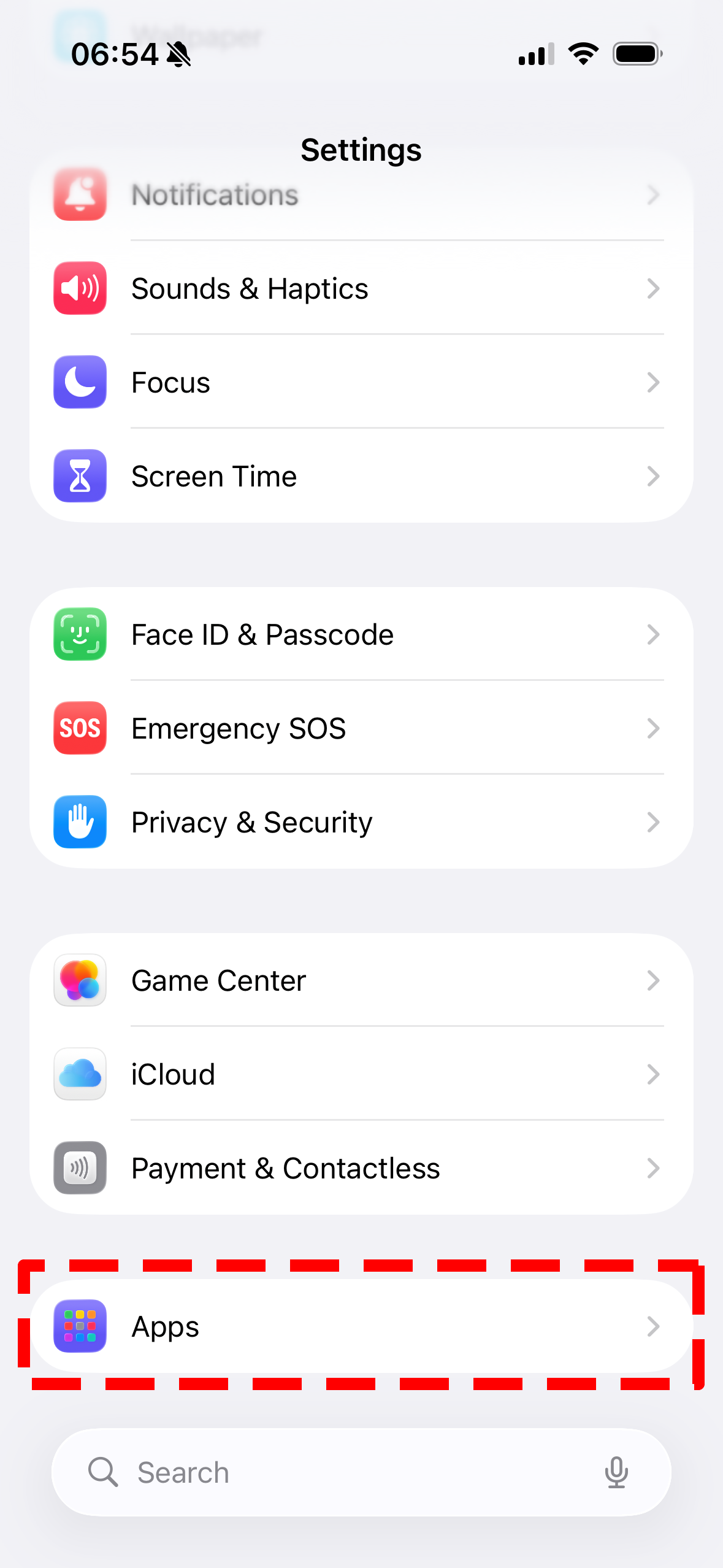
Open Settings
Navigate to your device's Settings app and locate the Apps section. This is where you'll manage all app permissions.
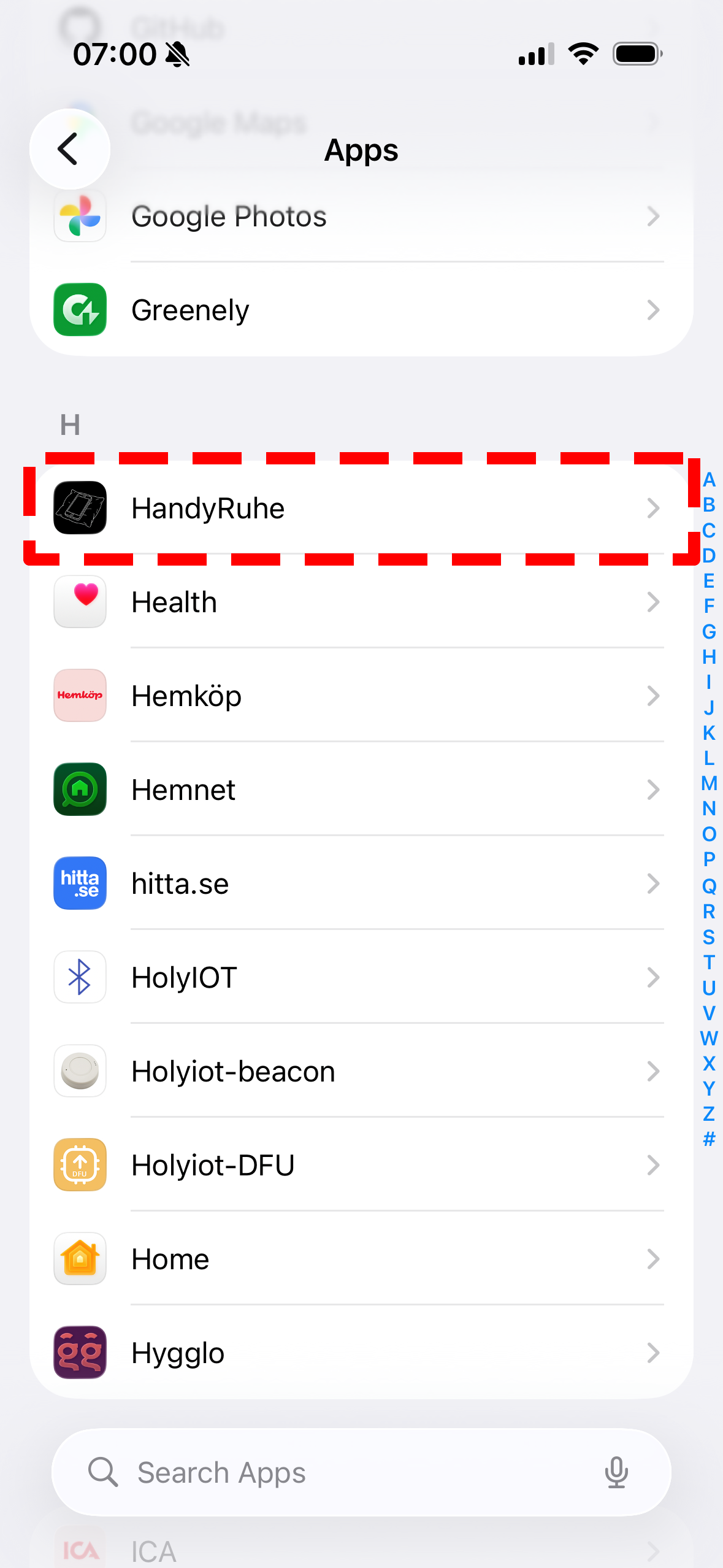
Find Handyruhe
Scroll through your apps list or use the search function to find Handyruhe. Tap on it to open the detailed settings page.
Configure Permissions
In the detailed settings page, you'll see all available permissions. Enable the permissions that Handyruhe requires to function properly. Make sure to grant all necessary access for the best experience.
